


Don't Let Tech Troubles End Your Game
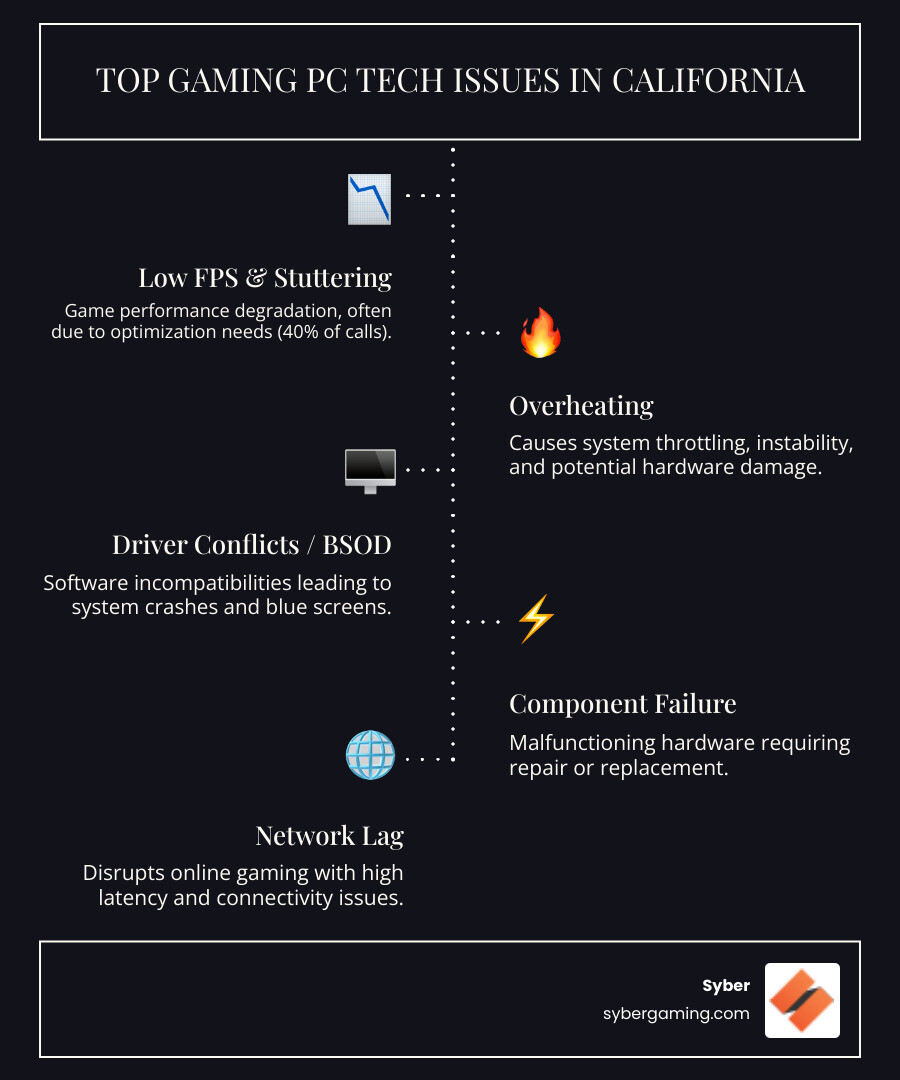
Gaming pc technical support california is your lifeline when your high performance desktop pc locks up mid-match or drops frames during a ranked push. Whether its a black screen, random restarts, or the dreaded BSOD, quick access to specialists can save your session and your sanity.
General repair shops treat every computer the same. Gaming PC specialists know the difference between thermal throttling and a faulty PCIe power lead. They understand how a high performance gaming pc build behaves under load, why a custom build gaming pcs setup needs tuned air-flow paths, and how driver updates affect game engines and AI-powered graphics.
Quick options for California gamers seeking tech support:
- Remote Support: Fast help for software fixes, driver conflicts, OS issues, AI system optimization, and performance tuning.
- In-Person or Mail-In Service: Best for hardware diagnosis, component swaps, upgrades, and full custom builds.
- Community & Manufacturer Support: Free guidance, warranty paths, and build advice for gaming pc pre built and DIY rigs.
This guide maps out the best ways to keep your gaming pc high performance and stable in California, so you can focus on winning, not troubleshooting.
Your Ultimate Guide to Gaming PC Technical Support California
The Advantage of Specialized Gaming PC Technical Support California
Your high performance gaming pc build is a tuned machine with cutting-edge parts and carefully managed air-flow cooling. It deserves support from people who live and breathe frames, temps, and latency. A general computer repair shop might run a basic hardware scan, but a gaming specialist understands component synergy. They know why a certain RAM kit might not hit its advertised speeds with a specific motherboard, or how a BIOS power limit is capping your GPU performance. They spot gaming-specific issues fast—from shader cache hiccups causing stutters to incorrect PCIe lane configurations throttling your graphics card.
Teams focused on gaming pc high performance systems can unlock smoothness without new parts. With AI system optimization, driver curation, and smart OS tweaks, you can often gain noticeable FPS and stability. For a high performance custom prebuilt gaming pc, the right tuning makes every frame count. For a look at how quality hardware and service connect, see https://www.sybergaming.com/post/proof-customer-service-quality-hardware.
Remote vs. In-Person: Match the Fix to the Problem for a High Performance Gaming PC Build
- Remote Support: Best for software and optimization—clean driver installs, BIOS updates, memory tuning (EXPO/XMP), AI-driven performance profiles, and OS fixes. You’ll need a working internet connection.
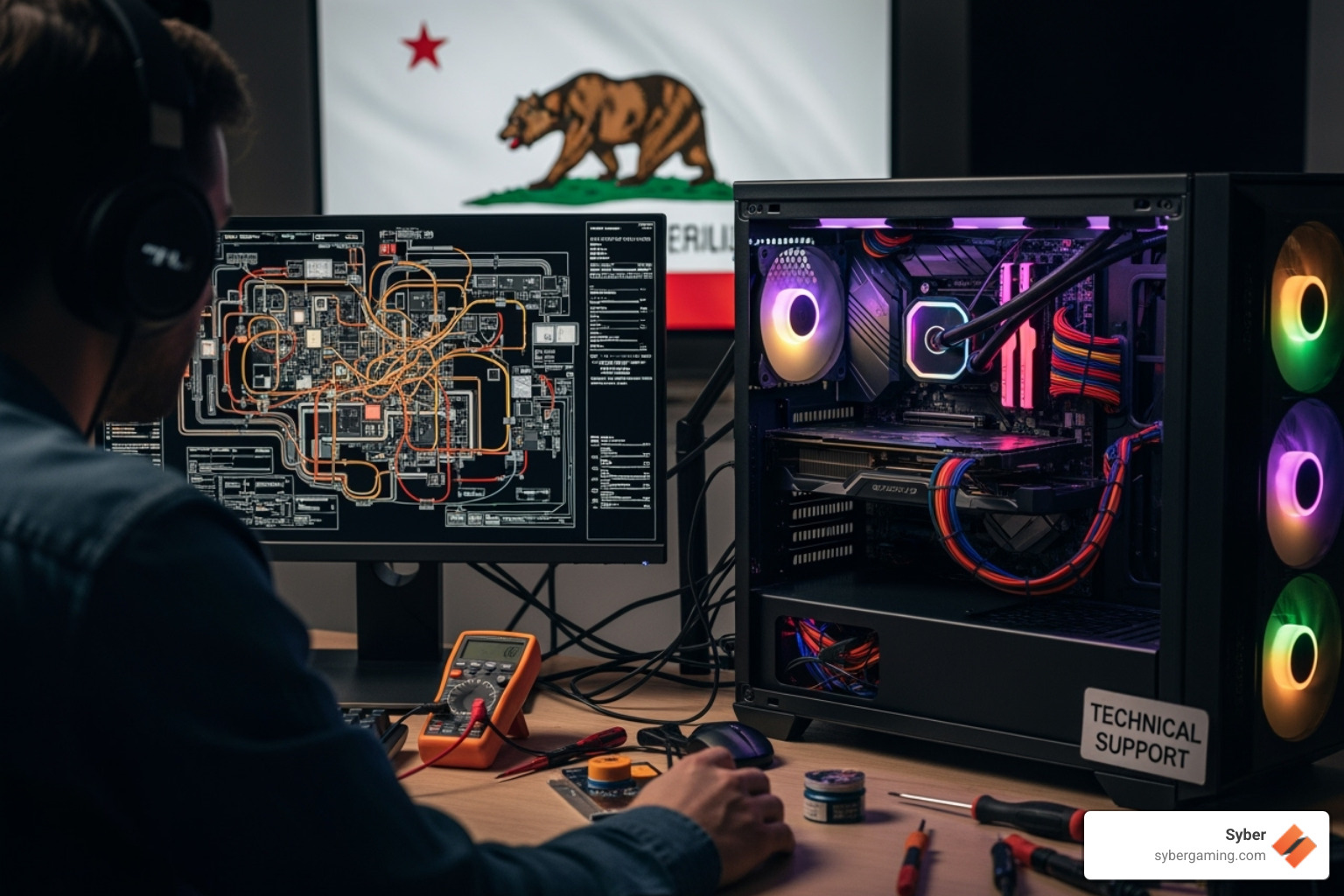
- In-Person Support: Ideal for hardware faults. If you suspect a failing GPU, PSU ripple, cooler mount pressure issues, or a motherboard problem, hands-on diagnostics are key for your high performance desktop pc.
- Mail-In Services: Good when you’re far from a shop or need deep testing, re-paste, or a full overhaul. Useful for both custom build gaming pcs and pc pre built for gaming units under warranty.
Have questions about which route fits your setup—pre built gaming computers, gaming pc pre built, or a scratch build? Start at https://www.sybergaming.com/contact.
AI in Gaming PCs: What Good Support Should Actually Cover
Modern rigs aren’t just fast; they’re intelligent gaming PC platforms. Solid support teams should know how to set up and validate:
- AI-powered graphics: DLSS/FSR/XeSS frame generation, AI-enhanced visuals, and AI graphics rendering that boosts frame rates while keeping image quality sharp.
- AI gaming performance tuning: Per-game profiles, latency reducers, AI-driven performance schedules, and background optimization that respects streaming and capture.
- AI PC components and AI-ready gaming PC builds: GPUs with tensor/AI cores, CPUs with NPUs, and motherboards with firmware that enables Advanced AI gaming features.
- AI multitasking: Playing, streaming, and running creator tools at the same time without stutters by assigning GPU/CPU/AI resources correctly.
- AI cooling solutions on air: Fan curves that react to real loads, temperature targets that avoid thermal spikes, and dust management for long-term stability.
- AI PC security: Firmware updates, secure boot, and hardware-level protections that keep your AI gaming setup safe without hurting performance.
When a provider understands AI in gaming PCs, you get an AI-driven gaming rig that runs quieter, cooler, and faster over time.
How to Choose a Reputable Provider for Gaming PC Technical Support California
Look for:
- Specialization: Shops focused on high performance gaming, not just office PCs.
- Proven Process: A clear diagnostic process that includes industry-standard stress tests (like Prime95 for CPU and FurMark for GPU) and real-world gaming benchmarks. They should be able to validate stability not just for a few minutes, but over extended sessions that mimic actual gameplay for both custom and pre built gaming pc customizable systems.
- Reputation: Check Google and Yelp reviews, but also dive into enthusiast forums like Reddit's r/buildapc or local California PC gaming communities. Look for feedback that praises not just the final fix, but also the communication and diagnostic process.
- Transparent Pricing: Itemized estimates before work starts. Clear warranty terms for parts and labor.
- Communication: Plain-language updates, realistic timelines, and a tech who listens.
Before you commit, ask how they validate stability (e.g., game engines, synthetic tests, AI workloads), how they handle BIOS/firmware, and what they warranty on a high performance custom prebuilt gaming pc.
DIY Resources for AI Gaming PC Owners: Learn, Fix, Optimize
Not every problem needs a bench and a microscope. For AI gaming PC enthusiasts, community knowledge is a goldmine:
- Community Discord: Quick questions, build checks, tuning tips, and troubleshooting help. Join at https://www.sybergaming.com/discord.
- Forums and Knowledge Bases: Deep dives on drivers, BIOS settings, air-flow tuning, and how to build high performance gaming pc rigs. Explore https://community.sybergaming.com/ for peer advice and guides.
- Manufacturer Docs: Board manuals, GPU driver notes, and FAQ pages often have the exact fix you need.
Use DIY resources to sort software snags, fine-tune AI gaming technology features, and level up your build skills. Save the bigger hardware work for a pro when safety or warranty is on the line.
Understanding Costs and Warranties for PC Repair and AI Gaming Technology
Pricing varies by issue and shop. Common models include:
- Diagnostic Fee: Often applied to the final bill if you go ahead with the repair.
- Hourly vs. Flat Rate: Hourly for complex, open-ended problems; flat rates for defined jobs like OS reinstalls or GPU swaps.
- Support Plans: Some providers offer memberships with priority service, discounts, and periodic checkups for your AI-ready gaming PC.
Warranties matter:
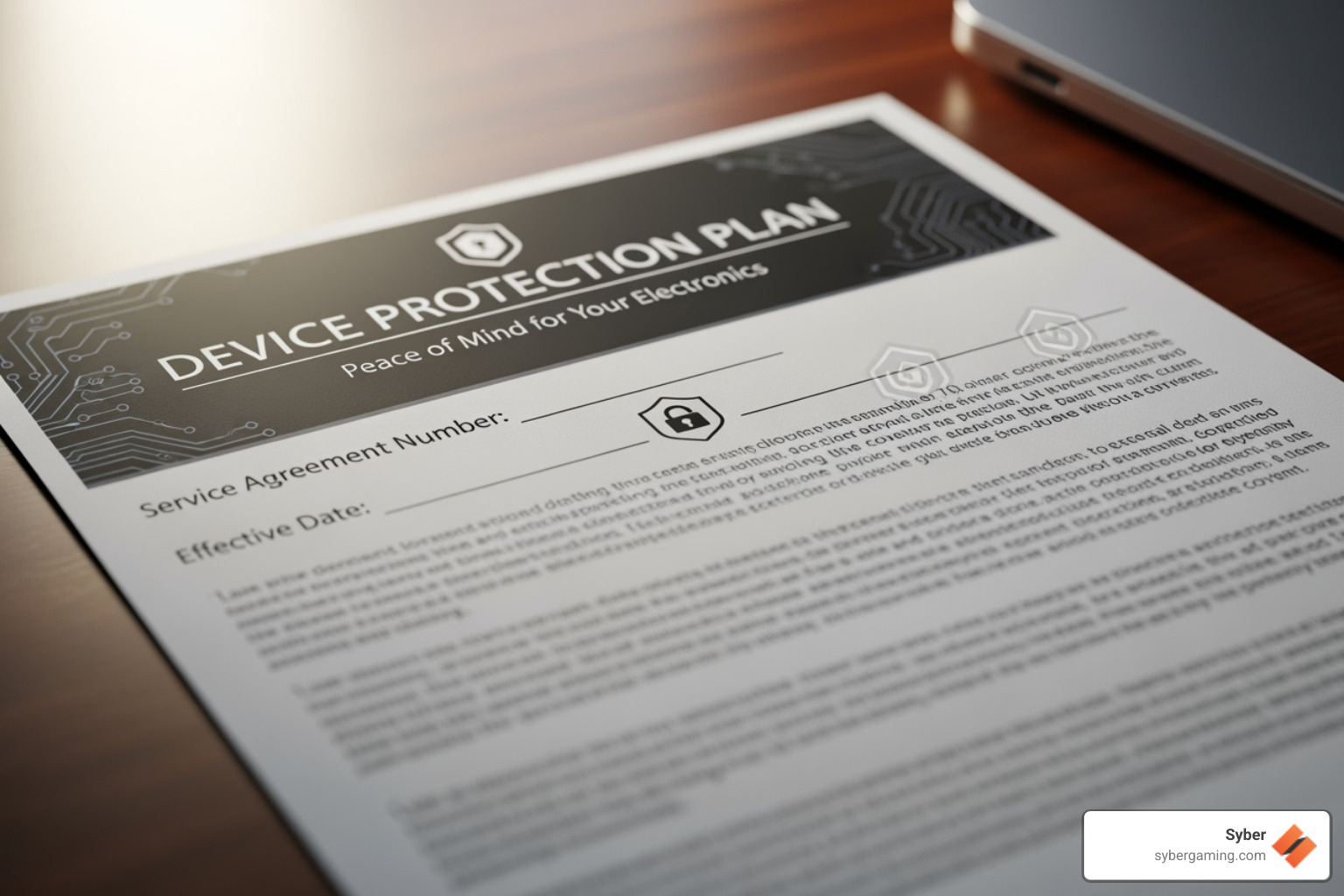
- Repair Warranty: Covers the work performed for a set period.
- Builder Warranty: Custom build gaming pcs often split parts and labor coverage.
- Manufacturer Warranty: For a pre built gaming pc customizable or gaming pc pre built, this is your baseline safety net.
Always read what’s covered and what voids coverage. For brand-specific terms, see https://www.sybergaming.com/warranty.
Prep Checklist: Get Your High Performance Desktop PC Ready for Service
A little prep speeds things up and protects your data.
- Back Up: Copy game saves, captures, and project files to cloud or an external drive.
- Record the Symptoms: Note exactly when the problem occurs, any specific error messages or codes, and what game or application was running. If possible, take a short video of the issue with your phone. Also, list any recent software or hardware changes you’ve made.
- Share Your Specs: CPU, GPU, RAM, storage, PSU, motherboard model, display resolution/refresh rate. Include serials for a pre built gaming computers unit.
- Light Cleaning: Gently dust the exterior vents and fan filters with compressed air. Do not use a vacuum cleaner, as it can create static electricity that damages components. Leave internal cleaning and thermal paste re-application to the professionals.
- Bring Only What’s Needed: Usually just the tower. Include your power cable if requested, or any peripheral that might be part of the issue.
Good notes plus a clean, accessible case help the tech move quickly, validate thermals with your air-flow setup, and return a stable, quiet system.
For direct help or to set up service, head to https://www.sybergaming.com/contact.
Extra Troubleshooting Tips for AI-Enhanced Gaming Rigs
- Update the Right Way: Use DDU for clean GPU driver installs when needed, then set game-ready drivers that support AI-powered graphics features you use.
- Calibrate Fan Curves: Tie fan curves to GPU/CPU temps so air-flow ramps smoothly. This prevents sudden spikes that can trigger thermal limits.
- Power and Cables: Reseat GPU/CPU power leads and check for proper wattage on your PSU, especially with newer AI PC components.
- BIOS and Firmware: Update motherboard BIOS and GPU firmware cautiously. Save profiles and document settings.
- Validate Stability: Test with a mix of real games, synthetic loads, and AI workloads to confirm your AI gaming performance settings hold under pressure.
Conclusion: Your Next Level of Gaming Awaits
California offers everything you need to keep a gaming pc high performance and reliableremote tuning, trusted local pros, and active communities. Whether you run a high performance custom prebuilt gaming pc, a pc pre built for gaming, or a full custom build, the right partner can stabilize temps, boost frames, and dial in AI-driven performance that fits how you play and create.
With lifetime-style support options from teams that understand air-flow cooling and AI-enhanced gaming, you get a rig that stays fast, quiet, and consistent. Dont let glitches hold you back. If youre ready for clean installs, tuned fan curves, smart driver choices, and a verified AI gaming setup, expert help is one click away.
Need answers now or want to book a service? Contact the team at https://www.sybergaming.com/contact and keep your system ready for the next match.
Social caption: California gamers: keep your high performance desktop pc running cool, quiet, and fast. From AI-powered graphics tuning to hardware fixes, get expert help when it matters. Start here: https://www.sybergaming.com/contact

.svg)

