


Why Your Gaming PC's Performance Numbers Matter
A gaming PC performance test is essential for understanding how your system handles demanding games and for identifying which components might be holding you back. If you've ever experienced frustrating stuttering, input lag, or frame drops and wondered if your PC is delivering the performance you paid for, benchmarking provides the clear, data-driven answers you need.
Quick Answer: How to Test Your Gaming PC Performance
- Download free benchmarking tools like 3DMark, PassMark, or Geekbench to get started.
- Close all background applications and update your GPU drivers for the most accurate results.
- Run synthetic benchmarks to get a baseline score for your raw hardware power (CPU, GPU, RAM).
- Test in-game performance using built-in game benchmarks or an FPS counter to see how your system handles specific titles.
- Compare your scores against online databases to see how your hardware stacks up against similar configurations.
- Monitor temperatures during tests to check for performance loss from thermal throttling.
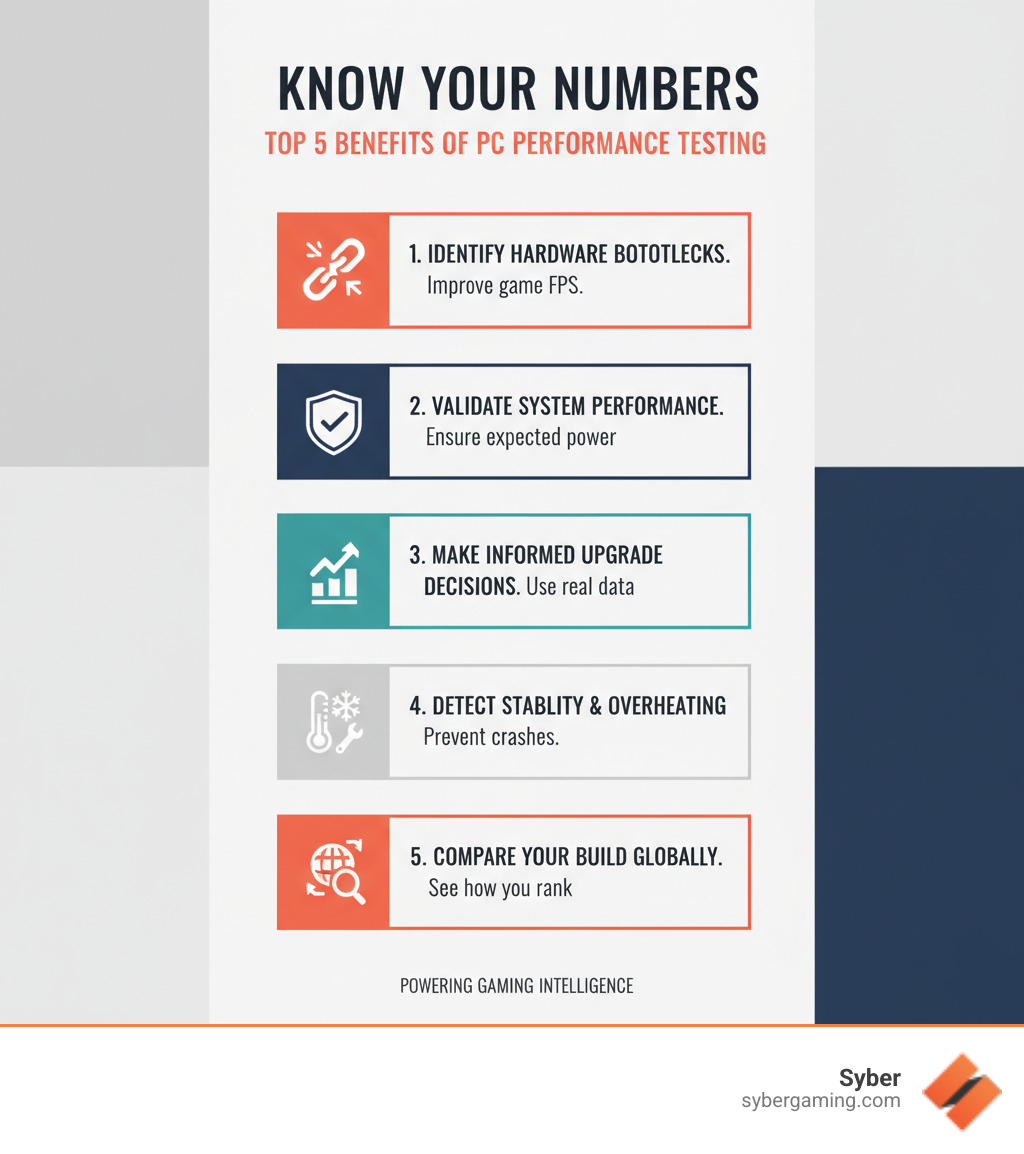
Benchmarking uncovers the objective truth about your system's capabilities. It validates whether your custom build gaming PC is performing up to its potential, precisely identifies performance bottlenecks, and provides you with the hard data needed to make intelligent upgrade decisions. Furthermore, it acts as a diagnostic tool, helping you catch underlying issues like inadequate cooling causing thermal throttling or unstable overclocks before they lead to system crashes during an important gaming session.
Synthetic vs. In-Game Benchmarks: What's the Difference?
When you start a gaming PC performance test, you will encounter two primary types of benchmarks: synthetic and in-game.
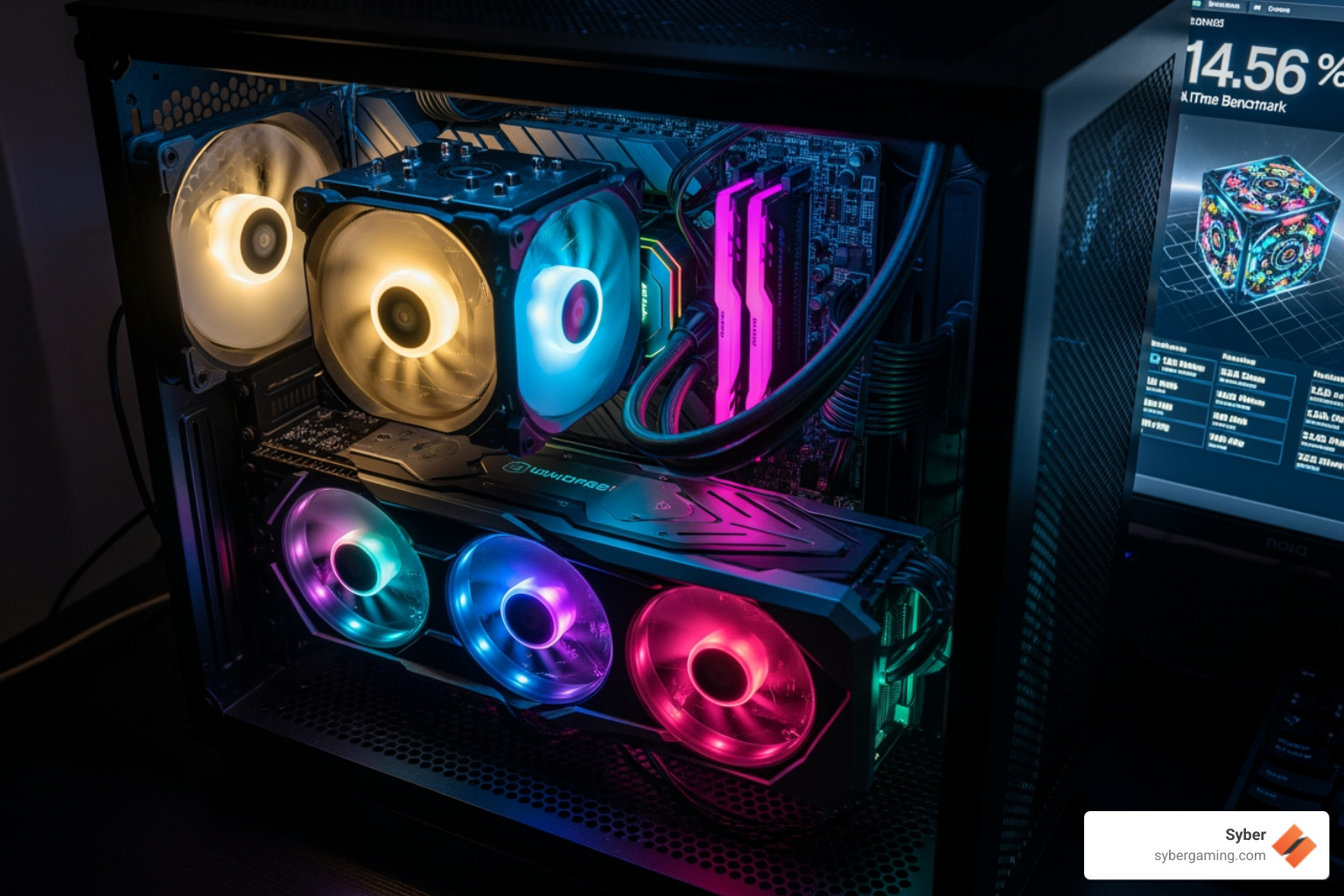
Synthetic benchmarks function like a controlled stress test for your hardware. Tools like 3DMark and PassMark run standardized, repeatable sequences designed to push your CPU or GPU to its absolute limit. They measure specific capabilities like floating-point operations, texture processing, and shader performance, generating a numerical score that represents raw power. These scores are excellent for direct component-to-component comparisons and for verifying system stability under maximum load. However, they don't always perfectly predict how a specific, complex game engine will behave.
In-game benchmarks offer a real-world test drive. Often included within modern games, they measure performance (typically in frames per second, or FPS) during a pre-recorded or live gameplay sequence. This provides the most accurate and relevant picture of how a specific title will actually run on your machine, accounting for the game engine's unique demands. For games that lack a built-in tool, you can use an overlay application like MSI Afterburner to monitor FPS and other metrics yourself during normal gameplay.
Using both types gives you a complete picture: synthetic tests provide the raw data, while in-game tests show what that power means for your actual gaming experience.
How to Benchmark Your CPU and GPU Performance
Before running any benchmark, it is crucial to prepare your system to ensure accurate and repeatable results:
- Update Drivers: Always ensure your graphics drivers are up to date. Manufacturers frequently release updates that include performance optimizations, bug fixes, and new feature support for the latest games. Running on old drivers can lead to lower scores and inaccurate results.
- Close Background Apps: To get the most accurate measurement of your PC's gaming potential, free up system resources by closing all non-essential programs. This includes web browsers, chat applications, streaming software, and cloud-syncing services that consume CPU cycles and RAM in the background.
- Check Cooling: Verify that your PC's air-flow cooling system is clean and functioning correctly. Dust buildup on fans and heatsinks can impede airflow, causing components to run hotter. When a CPU or GPU gets too hot, it engages in 'thermal throttling'—intentionally slowing itself down to prevent damage. This can severely reduce performance and is a common cause of unexpected slowdowns.
Benchmarking Your CPU
Your CPU is responsible for game logic, AI behavior, and physics calculations. Strong CPU performance is vital for smooth gameplay, especially in strategy or large open-world titles.
- Geekbench 6: A widely used and straightforward tool for measuring both single-core and multi-core CPU performance. Its scores are useful for general comparisons of processor speed across different tasks.
- Cinebench R23: Excellent for testing a CPU's multi-core capabilities using real-world 3D rendering tasks based on the Cinema 4D animation software.
- PassMark PerformanceTest: A comprehensive suite that tests a wide range of CPU functions, from basic math calculations to complex physics simulations. You can download it here: Download PassMark PerformanceTest - PC Benchmark Software.
Benchmarking Your GPU
The GPU is the component that renders all the graphics you see on screen. These tests measure how well it handles visually demanding scenes.
- 3DMark: This is the industry-standard suite for GPU testing. It includes a variety of tests targeted at different technologies. Time Spy is a great benchmark for DirectX 12 performance, which is common in modern games, while Port Royal specifically tests your GPU's ray tracing capabilities. A free demo is available on Steam: Steam 3DMarkDemo.
- Unigine Heaven/Superposition: These are visually impressive benchmarks known for their ability to stress-test a GPU, making them great for checking overclocking stability and cooling performance.
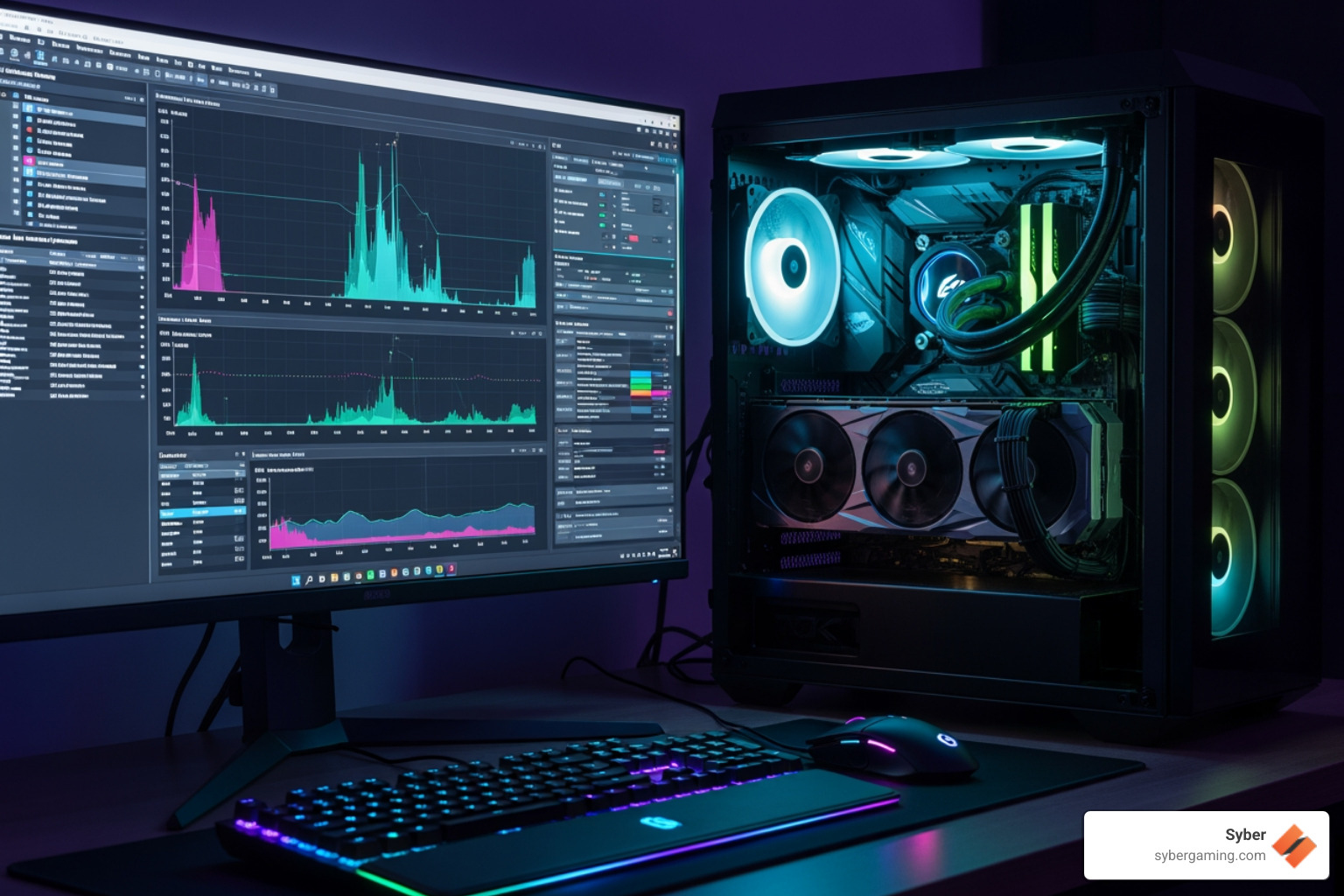
For the most reliable results, run each benchmark two or three times and average the scores to account for any minor variations.
Your Guide to the Ultimate Gaming PC Performance Test
Interpreting Your Gaming PC Performance Test Results
After running your benchmarks, you will be left with a set of numbers and graphs. Here is how to translate that data into meaningful insights about your system.
Making Sense of FPS and Frame Times
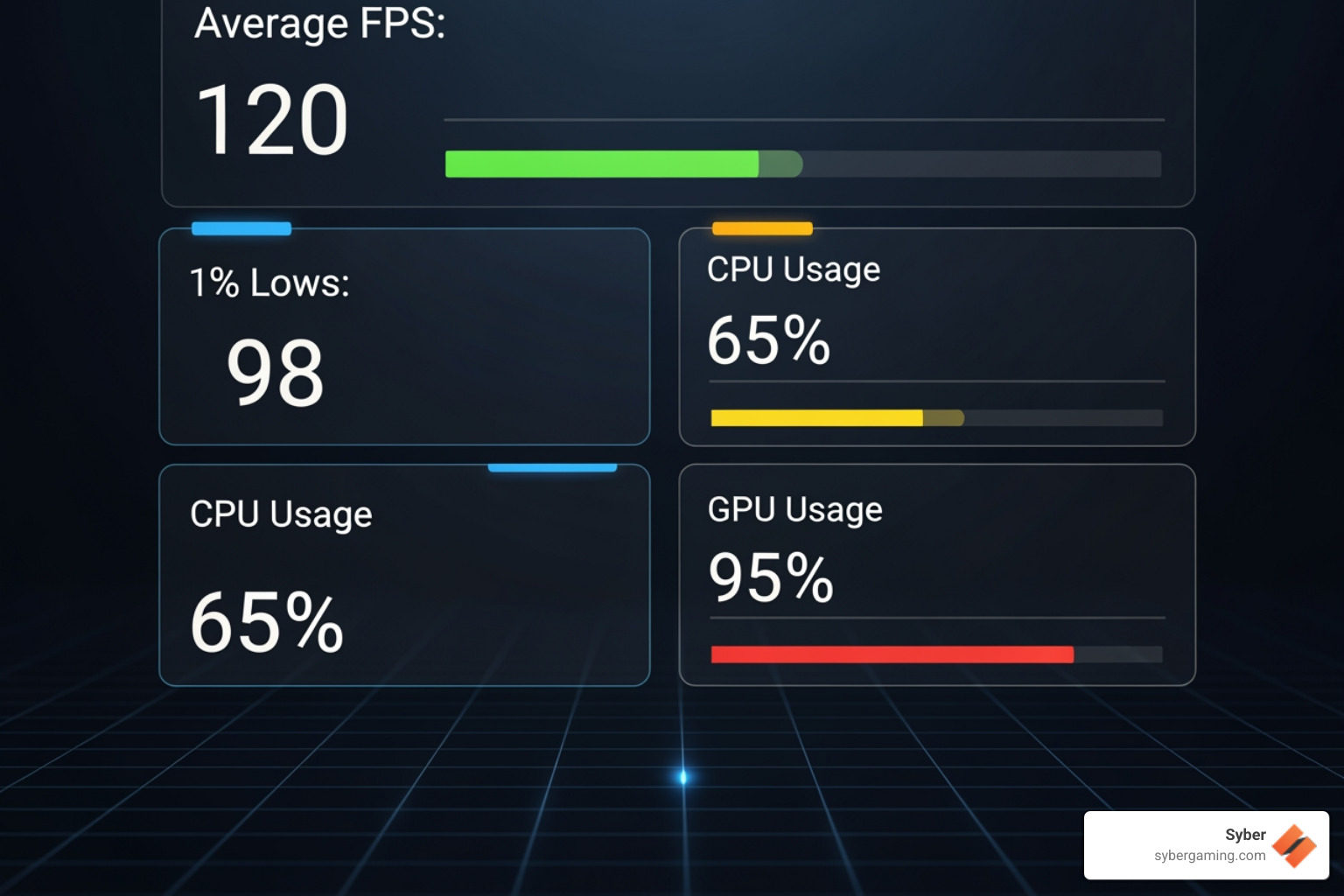
Frames Per Second (FPS) is the most recognized metric from a gaming PC performance test. It measures how many distinct images your GPU renders each second. While 30 FPS is often considered the minimum for being playable, 60 FPS is the widely accepted gold standard for smooth and responsive gameplay. For competitive players using high-refresh-rate monitors, the target is often 120 FPS or even higher. Beyond the average FPS, pay close attention to 1% low and 0.1% low metrics. These numbers represent the FPS of the slowest 1% and 0.1% of frames rendered, effectively showing you your worst-case performance. A high average FPS is good, but if your 1% lows are significantly lower, you will perceive the experience as stuttery and inconsistent. The ultimate goal is not just a high average FPS, but also high 1% lows, which indicates consistent frame times—the time it takes to render each individual frame. Smooth, stable frame times are the true secret to a fluid gaming experience.
Decoding Synthetic Scores
Scores from synthetic benchmarks like 3DMark or PassMark are abstract numbers that represent your system's raw computational power. Their primary use is for comparison. You can use online databases like cpubenchmark.net and videocardbenchmark.net to see how your components perform against thousands of other user-submitted results. If your score is significantly lower than the average for your specific hardware, it could point to an underlying issue, such as thermal throttling, incorrect driver settings, or a background process consuming resources.
Finding Your System's Weak Link
Benchmarking is the most effective method for identifying a system bottleneck, which occurs when one component's limited performance holds back the potential of others. During a gaming benchmark, if your GPU usage is consistently at 99-100% while your CPU usage remains low, you have a GPU bottleneck. This means an upgraded graphics card would provide the most substantial performance boost. Conversely, if your CPU usage is consistently at or near 100% on one or more cores while your GPU usage is well below 90%, you likely have a CPU bottleneck. This is common in strategy, simulation, or high-FPS competitive games. In this scenario, a CPU upgrade would be the most impactful change. It's also important to consider your display resolution. A system might be CPU-bottlenecked at 1080p, but become GPU-bottlenecked at 1440p or 4K because the higher pixel count places a much greater demand on the graphics card.
Next-Gen Tech: Testing Ray Tracing and AI-Powered Graphics
Modern gaming is increasingly defined by advanced technologies like real-time ray tracing and AI-driven upscaling. A thorough gaming PC performance test should evaluate how your system handles these demanding features.
Pushing Ray Tracing to Its Limits
Ray tracing is a rendering technique that simulates the physical behavior of light to create incredibly realistic lighting, shadows, and reflections. However, this realism comes at a high performance cost, placing an immense load on your GPU. Specialized benchmarks, such as 3DMark's Port Royal and Speed Way tests, are designed specifically to measure ray tracing performance. The scores from these tests will tell you how prepared your PC is for the visually stunning effects in the latest AAA games.
The AI Upscaling Revolution
To offset the heavy performance cost of ray tracing, manufacturers developed AI-powered upscaling technologies. NVIDIA DLSS (Deep Learning Super Sampling), AMD FSR (FidelityFX Super Resolution), and Intel XeSS (Xe Super Sampling) all work by rendering the game at a lower internal resolution and then using sophisticated algorithms to upscale the image to your monitor's native resolution. This is AI-improved gaming in action. While their underlying methods differ—with DLSS leveraging dedicated AI hardware (Tensor Cores) on NVIDIA GPUs—the result is a significant performance uplift, often boosting frame rates by 50% or more with minimal perceived impact on visual quality. Many in-game benchmarks now allow you to test performance with these powerful features enabled, showing you what's possible on your hardware.
The Broader AI Gaming Landscape
AI's influence on gaming continues to grow beyond upscaling. In the near future, AI graphics rendering and AI system optimization will become more prevalent. The hardware itself is also evolving to meet these demands, with dedicated AI PC components like NVIDIA's Tensor Cores designed to handle these specialized tasks. Testing a high performance custom prebuilt gaming pc today involves evaluating how it leverages these intelligent technologies to deliver a superior overall AI gaming experience.
To explore how these cutting-edge components can transform your gaming, consider how to Grow: Buy a Gaming PC that's ready for the future.
From Numbers to Your Next High-Performance Gaming PC
Turning Benchmark Data Into Smart Upgrade Decisions
Benchmark numbers are more than just scores; they are a roadmap. They empower you to improve your current gaming rig or plan your next PC build strategically, helping you save money by targeting the components that will make the biggest and most meaningful difference.
Your gaming PC performance test results tell a clear story about your system's bottlenecks.
- GPU Bottleneck: If your tests consistently show your GPU usage at 99-100% while the CPU has plenty of headroom, your graphics card is the limiting factor. Upgrading your GPU will yield the most significant performance increase in your games.
- CPU Bottleneck: If your CPU is pegged at 100% usage across one or more cores while the GPU sits underutilized, your processor is holding your system back. This is often the case in simulation, strategy, or high-frame-rate competitive games. A CPU upgrade should be your top priority.
- RAM or Storage Issues: Stuttering and poor performance are not always about the CPU or GPU. If you notice stuttering and your benchmark software shows you are using all of your system memory, adding more RAM is a simple and effective fix. While 16GB has been the standard for years, 32GB is quickly becoming the new sweet spot for serious gaming and multitasking. Similarly, if you are plagued by long game loading times or in-game asset pop-in, upgrading from an older hard disk drive (HDD) to a modern M.2 NVMe Solid State Drive (SSD) will make your entire system feel more responsive.
For example, if your gaming PC performance test in a new title shows your GPU at 100% usage and your CPU at 60% usage at 1440p, you have a clear GPU bottleneck. Your next upgrade should be a more powerful graphics card. Before you buy, however, remember to check two things: ensure your power supply unit (PSU) has enough wattage and the correct connectors for the new card, and verify that the new card will physically fit inside your PC case. Understanding this component balance is key when you build high performance gaming pc setups. This is why Syber focuses on custom build gaming pcs where every part is chosen to work in harmony. For more on GPU testing, check out this guide: How to benchmark your graphics card.
From Numbers to a Superior Gaming Experience
The ultimate goal of benchmarking is not just to achieve a high score, but to attain a smooth, immersive, and hassle-free gaming experience. When you run a gaming PC performance test, you are taking a proactive step to ensure your system can deliver the enjoyment you expect from your games.
The Real Value of Performance Validation
When you invest in a high performance desktop PC, particularly a pre built gaming pc customizable option from Syber, you are acquiring a system that has already passed a battery of tests. We benchmark every component individually and as part of the whole system to confirm it performs as expected and works in concert with every other part. This process eliminates surprise bottlenecks and mysterious crashes, giving you the confidence that your PC will deliver smooth frame rates and stunning visuals right out of the box.
How Syber Ensures Performance Before It Ships
At Syber, a high performance gaming pc build is a science. Our comprehensive build process includes rigorous internal testing that goes far beyond simple assembly. Each pc pre built for gaming undergoes a series of synthetic and in-game benchmarks to verify that every component performs at its expected level. We run extended stress tests to ensure long-term stability under heavy load and use thermal monitoring to validate the cooling system's effectiveness, guaranteeing you won't experience thermal throttling. This meticulous commitment to testing is what sets a quality gaming pc pre built apart from a simple collection of parts.
Your performance testing journey ends with better gaming and smarter choices. That is the confidence Syber builds into every system we create. For more on our philosophy, read about Syber Machine: Value & Performance.
Ready to experience the difference that expert testing and optimization makes? Explore our M Series of expertly tested, high-performance gaming PCs, designed to deliver exceptional performance from the start.


.svg)

