

_compressed.png)
Why Gaming PC Build Suggestions Matter for Your Next Setup
Gaming PC build suggestions help you choose the right components to match your performance goals and budget. Whether you're aiming for smooth 1080p gaming or pushing 4K visuals, the right combination of parts makes all the difference.
Quick Answer: What You Need to Know
| Budget Range | Performance Target | Key Components |
|---|---|---|
| $500-$800 | 1080p gaming at modest to high settings | Entry-level CPU, mid-range GPU, 16GB RAM, 1TB SSD |
| $1000-$1500 | Strong 1080p, capable 1440p | Mid-tier CPU, powerful GPU, 16-32GB RAM, 1-2TB SSD |
| $2000-$4000+ | Dominant 1440p/4K, AI-powered graphics | High-end CPU, top-tier GPU, 32-64GB RAM, 2-4TB SSD |
Building a gaming PC gives you control over every component, but it's a complex puzzle. Choosing the wrong parts can waste money and leave performance on the table. This is where expert guidance becomes invaluable, ensuring your machine matches your exact needs without costly mistakes.
The good news? You don't need a degree in computer science to understand what makes a great gaming PC. You just need a clear plan that balances your budget with your performance goals.
Modern gaming demands more than just a fast graphics card. Your CPU handles game logic, your RAM keeps multitasking smooth, and your SSD cuts down loading screens. Each part plays a specific role, and understanding these roles helps you spend your money where it counts most.
This guide breaks down gaming PC builds for every budget. You'll learn which components matter most for your target resolution and how to avoid common compatibility issues. Whether you're chasing high frame rates or immersive 4K experiences, the right build suggestions point you toward components that deliver.
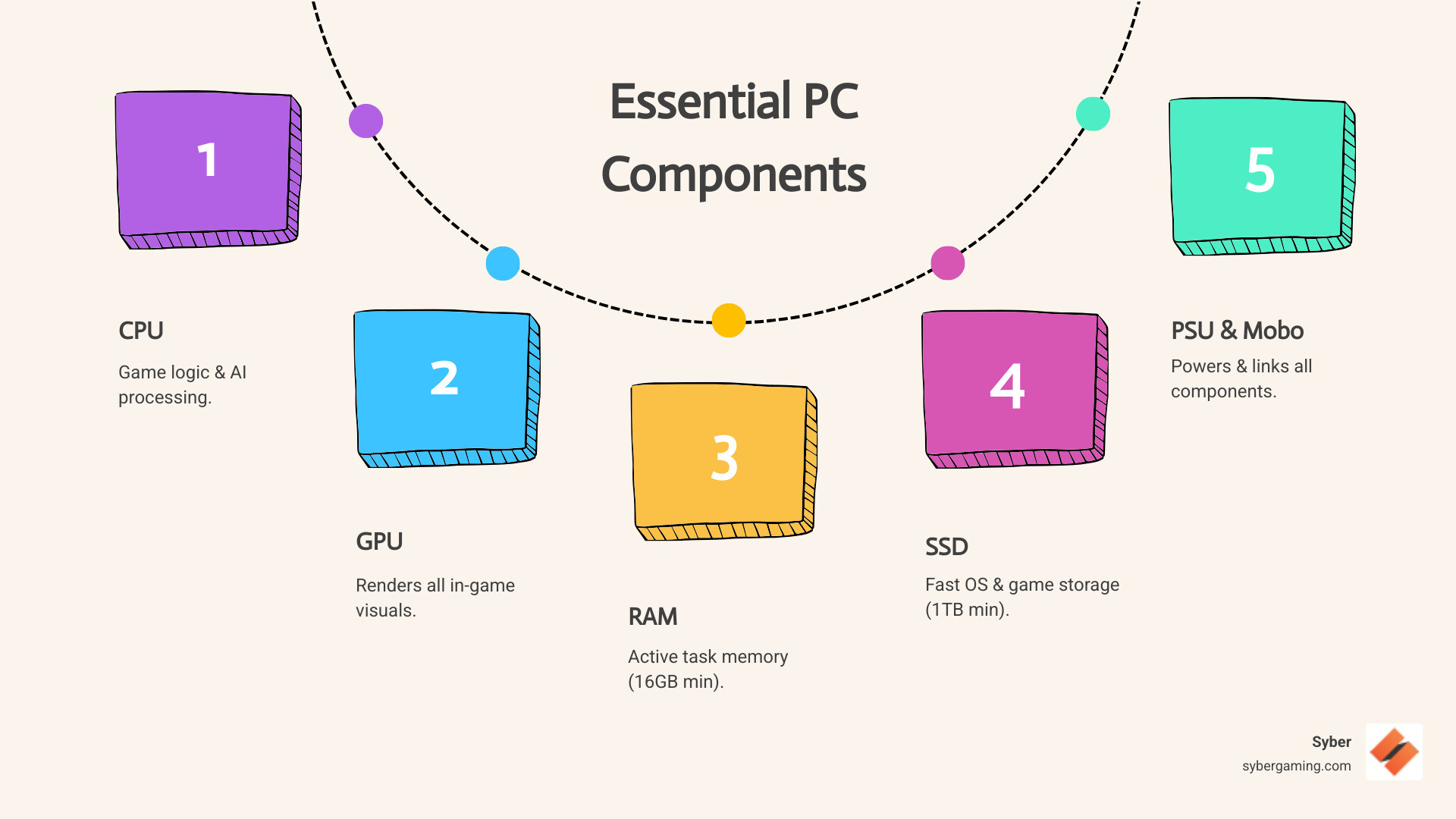
Easy gaming PC build suggestions word list:
Core Components: Your Guide to Gaming PC Build Suggestions
Building a high-performance gaming PC build requires a careful selection of core components. Understanding what to look for in each part is the first step toward dominating your favorite titles.
The Brains and Brawn: CPU and GPU Showdown
The Central Processing Unit (CPU) and Graphics Processing Unit (GPU) are the heart of any gaming PC, dictating how well games run.
Choosing Your Processor: AMD Ryzen vs. Intel CoreFor gaming, both AMD and Intel offer excellent choices. AMD's Ryzen series, like the Ryzen 5, 7, and 9, are strong contenders. Certain models feature 3D V-Cache technology, which adds an extra layer of memory directly onto the processor. This dramatically speeds up gaming tasks, making CPUs like the Ryzen 7 7800X3D a top choice for an AI-driven gaming rig. Intel's Core series, including the i5, i7, and i9, are also powerful options, often delivering great performance across both gaming and other demanding applications. For budget-friendly builds, entry-level CPUs from both brands provide solid gaming power without breaking the bank. Always check recent benchmarks to find the best performance for your dollar.
The Graphics Powerhouse: NVIDIA GeForce RTX vs. AMD Radeon RXThe GPU is the most crucial component for gaming visuals. NVIDIA's GeForce RTX series (e.g., RTX 4060, 4070, 4080, 4090) often excels with features like DLSS and superior ray tracing, making them great for AI-powered graphics. DLSS (Deep Learning Super Sampling) uses AI to boost frame rates while keeping the image sharp. Their video encoder is also a top choice for streamers. AMD's Radeon RX series (e.g., RX 7700 XT, 7800 XT, 7900 XTX) offers competitive performance-per-dollar. Their FSR (FidelityFX Super Resolution) technology provides a strong, open-source alternative for boosting frame rates that works on a wide range of hardware.
When choosing a GPU, consider your target resolution:
- 1080p gaming: Entry-level to mid-range GPUs work well.
- 1440p gaming: A mid-range to high-end GPU is needed for smooth performance.
- 4K gaming: Only top-tier GPUs can handle 4K at high settings with ray tracing.
For those interested in how Syber custom builds maximize component value, you can find More info about Syber Machine Value & Performance.
Speed and Space: RAM and Storage Essentials
RAM and storage are critical for a responsive gaming experience.
RAM: Capacity and SpeedFor modern gaming, 16GB of RAM is the minimum. For multitasking or more demanding games, 32GB is a better choice to future-proof your system. When choosing between RAM types, DDR5 is the newer standard and offers faster speeds than DDR4. These speeds are measured in MT/s (megatransfers per second). For systems with AMD Ryzen 7000 series CPUs, DDR5-6000 MT/s is often the sweet spot for performance and cost. Always ensure your RAM is compatible with your motherboard.
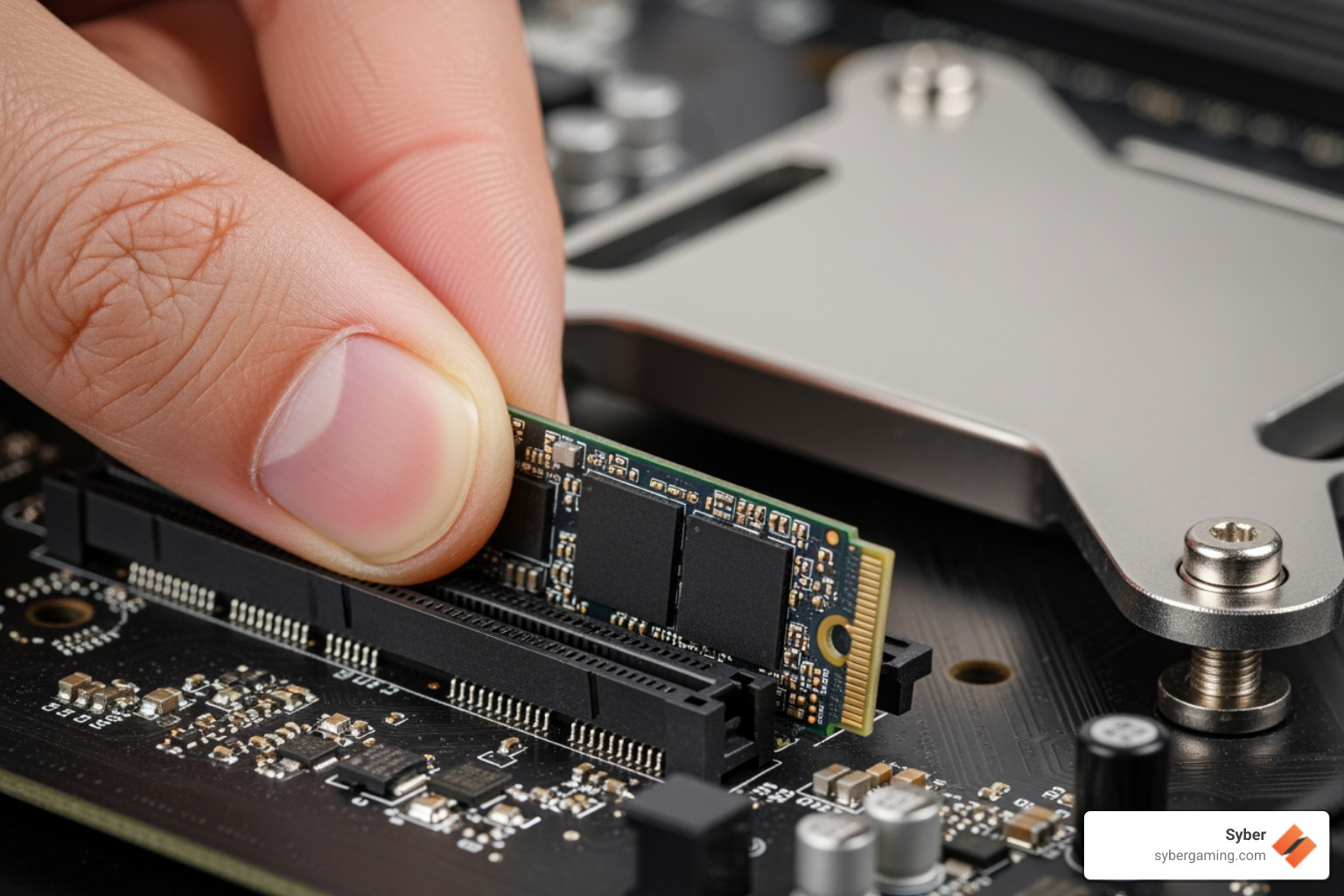
Storage: SSD for SpeedAn SSD (Solid State Drive) is essential. It dramatically decreases loading times for your OS, apps, and games. For the best performance, an NVMe (Non-Volatile Memory Express) SSD is recommended. It connects directly to the motherboard's high-speed PCIe slot, bypassing the slower cables used by older SATA drives. While the latest PCIe 5.0 drives are faster, PCIe 4.0 NVMe drives offer excellent speed and value for gaming. With major game titles often exceeding 150GB, a 1TB SSD is a good starting point, but 2TB is better for a large game library. Slower HDDs should only be used for long-term storage of files you don't access often.
The Foundation: Motherboard, Case, and Power Supply
These parts are vital for system stability, cooling, and future upgrades.
The Motherboard: Your System's BackboneThe motherboard connects everything, so ensure it supports your CPU socket and RAM type (DDR4 or DDR5). Motherboards also have different chipsets, such as AMD's B650 (mid-range) and X670 (high-end) or Intel's B760 (mid-range) and Z790 (high-end). High-end chipsets usually provide more connectivity options and better power delivery for powerful CPUs. Features like multiple M.2 slots for storage and integrated WiFi are also important considerations for convenience and future expansion.
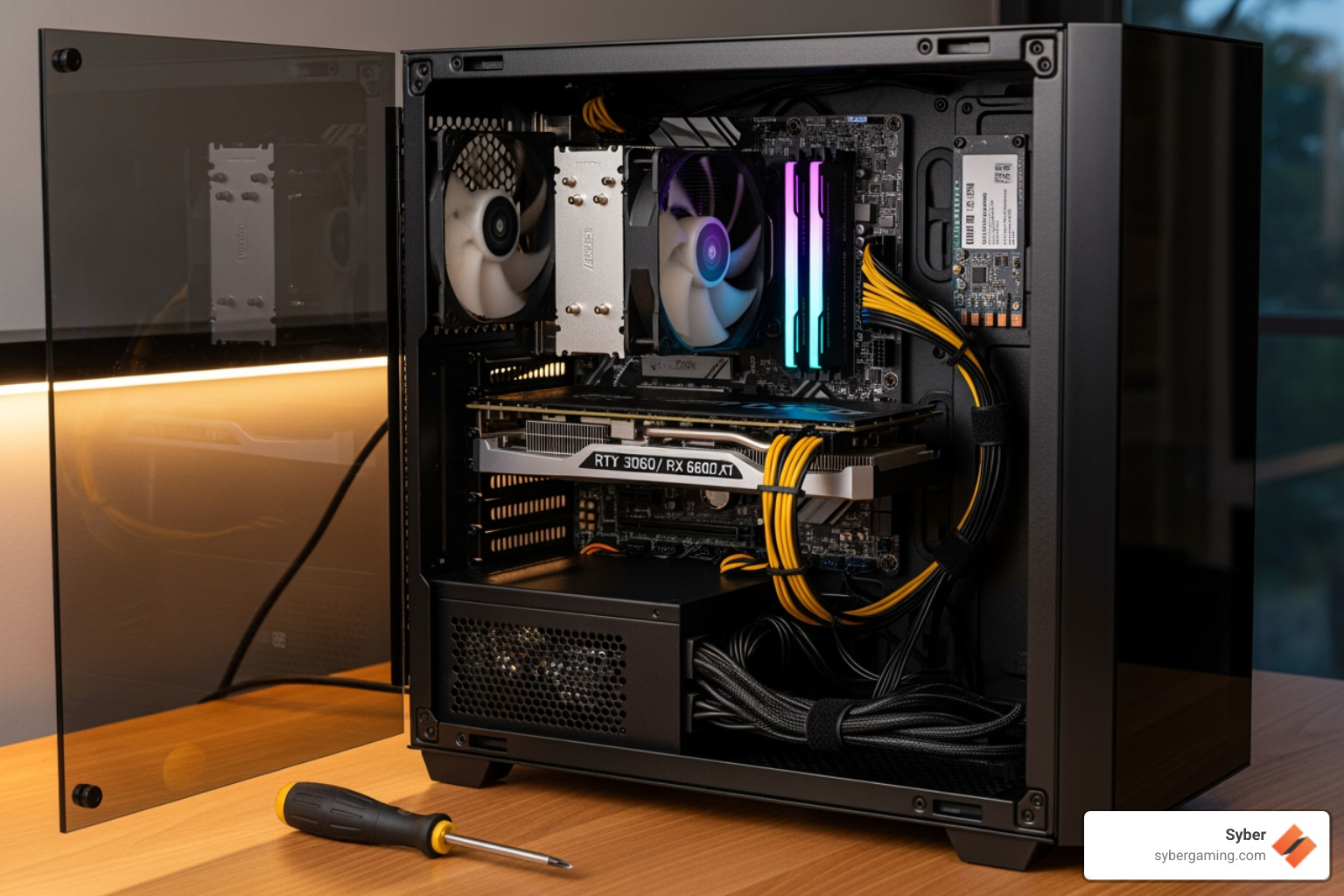
The PC Case: Airflow is KingA good PC case is crucial for cooling. Look for cases with mesh panels and good fan support to ensure proper airflow. This prevents components from overheating and losing performance. Cases also come in different sizes, like ATX (standard), Micro-ATX (smaller), and Mini-ITX (compact), which affects the size of the motherboard and other components you can install. Syber offers various series like the M-Series and Cube Series, which feature optimized airflow designs. For a deeper dive into case terminology, check out Case Confusion: What Does ATX Even Mean?.
The Power Supply Unit (PSU): Unsung HeroThe PSU powers your system. Its wattage must be sufficient for your CPU and GPU, with some headroom for upgrades. For high-end builds, a 750W or 850W PSU is a good start, while top-tier systems may need 1000W or more. An 80 Plus Gold rating indicates high efficiency, meaning less wasted energy and heat. Also consider a modular or semi-modular PSU, which allows you to detach unused cables for easier building and cleaner airflow. Investing in a quality PSU from a reputable brand protects your components.
Air Cooling SolutionsEffective cooling is essential. While some CPUs include a cooler, a dedicated air cooler is better for gaming. For high-performance CPUs, larger air coolers are often recommended to keep temperatures in check. Syber's M-Series, for example, prioritizes robust air-flow cooling. Strategically placed case fans are also vital for moving cool air in and pushing hot air out, ensuring your high performance desktop PC runs efficiently.
Budget-Focused Gaming PC Build Suggestions
Here are some gaming PC build suggestions for various budgets.
The Sweet Spot: $1000 BuildA $1000 budget allows for a very capable gaming machine. This build can play games well at 1080p and competently at 1440p by adjusting some settings. A typical setup might include a mid-range CPU like an AMD Ryzen 5 or Intel Core i5, paired with a graphics card like the NVIDIA GeForce RTX 4060. Combined with 16GB of DDR5 RAM and a 1TB NVMe SSD, this configuration delivers a smooth and responsive experience in most modern titles.
Mid-Range Powerhouse: $1500 BuildWith $1500, you're looking at a brilliant 1080p experience, strong 1440p performance, and the ability to run ray-traced games well. At this price, you could pair a powerful CPU like the AMD Ryzen 7 7800X3D with a GPU like the NVIDIA GeForce RTX 4070 Super. Upgrading to 32GB of RAM is common here, along with a 2TB NVMe SSD to hold a larger library of games. This build provides an excellent balance for demanding games at higher resolutions.
High-Performance and AI Gaming PC Build Suggestions
For those seeking top-tier performance, these builds push the boundaries.
The High-End Performer: $2000 BuildA $2000 build should dominate games at 1440p with ultra settings and even achieve playable frame rates at 4K. This tier would feature a high-end CPU like an Intel Core i7 or AMD Ryzen 7, matched with a powerful GPU such as the NVIDIA GeForce RTX 4070 Ti Super. With 32GB of fast RAM and a spacious 2TB NVMe SSD, this high performance desktop PC is built for enthusiasts who want to push visual quality without compromise.
The Ultimate Machine: $4000+ BuildFor the ultimate AI gaming PC experience, a $4000+ build uses the best components available, like a top-of-the-line Intel Core i9 or AMD Ryzen 9 CPU and a flagship NVIDIA GeForce RTX 4090 GPU. This setup is designed for 4K gaming at max settings with ray tracing, leveraging AI-powered graphics and AI system optimization for unparalleled performance. With 32GB or even 64GB of high-speed RAM and a 4TB or larger NVMe SSD, these custom build gaming PCs are for users who want the absolute best. For more on how Syber crafts elite machines, explore More info about the elite Syber M Series.
Beyond the Build: Assembly, Setup, and Final Thoughts
Building your own high performance gaming pc build is rewarding, but it comes with challenges, from OS installation to troubleshooting.
Putting It All Together and Getting Started
Once your components arrive, the assembly begins. For those who prefer to jump straight into gaming, services like Syber offer expertly crafted, pre built gaming computers that are rigorously tested and ready to go.
Operating System InstallationMany gaming PC build suggestions don't include the OS in the budget. For Windows, you can use the official Media Creation Tool to create a bootable USB drive. For Linux users, distributions like Ubuntu or Pop!_OS are great free alternatives. No matter your choice, always install the OS on your SSD for the fastest boot times.
Troubleshooting Common IssuesEven experienced builders run into problems. A PC failing to boot or components not being recognized can often be fixed by re-checking connections and re-seating parts like RAM or the GPU. However, some issues, like CPU and motherboard compatibility, can require complex technical solutions. This is where the support and warranty of a pre-built system become invaluable.
The Value of an Expert BuildWhile the DIY route offers customization, it requires significant time, research, and technical knowledge. Overclocking, for instance, can offer a small performance boost but carries risks of instability and heat if done improperly. Venturing into a build without experience can lead to frustration and costly damage, as highlighted in our guide to DIY Dangers.
For those who value convenience, reliability, and guaranteed performance, Syber specializes in custom build gaming PCs. Our systems undergo rigorous testing to ensure top-notch performance right out of the box, backed by comprehensive warranties and technical support.
Ready to experience gaming dominance? Explore our expertly crafted M Series gaming PCs, designed for performance and reliability.


.svg)

