

Why DIY Cube PC Cases Are Capturing the Gaming Community

A diy cube pc case offers a unique way to build a compact, powerful gaming rig with a distinctive aesthetic that stands out from traditional tower designs. Whether you're drawn to the space-saving footprint, the creative challenge, or the eye-catching looks, cube cases have become increasingly popular among PC enthusiasts.
Quick Answer: What You Need to Know About DIY Cube PC Cases
- What they are: Compact, cube-shaped enclosures for PC components that you build yourself
- Materials: Wood, aluminum, acrylic, cardboard, or 3D-printed plastics
- Time investment: 10-40 hours depending on complexity
- Cost: Can range from under $50 for basic builds to several hundred for advanced projects
- Best for: Enthusiasts who value customization and are comfortable with hands-on building
- Key challenges: Airflow management, component compatibility, and structural stability
The appeal of building your own cube case goes beyond just saving money. It's about creating something uniquely yours. However, building a custom cube case requires serious planning. You need to consider everything from motherboard standoffs to airflow optimization. Even experienced builders report spending over four hours on assembly, and that's after all the cutting and preparation work.
For gamers who prioritize reliability and performance, the DIY route presents both opportunities and risks. You gain complete control over design and component selection, but you also take on responsibility for thermal management and structural integrity. One wrong calculation on GPU clearance or inadequate ventilation can turn your dream build into a frustrating experience.
The good news? Whether you choose the DIY path or opt for a professionally engineered solution, cube cases deliver on their promise of compact power. The key is understanding what you're getting into before you make that first cut.
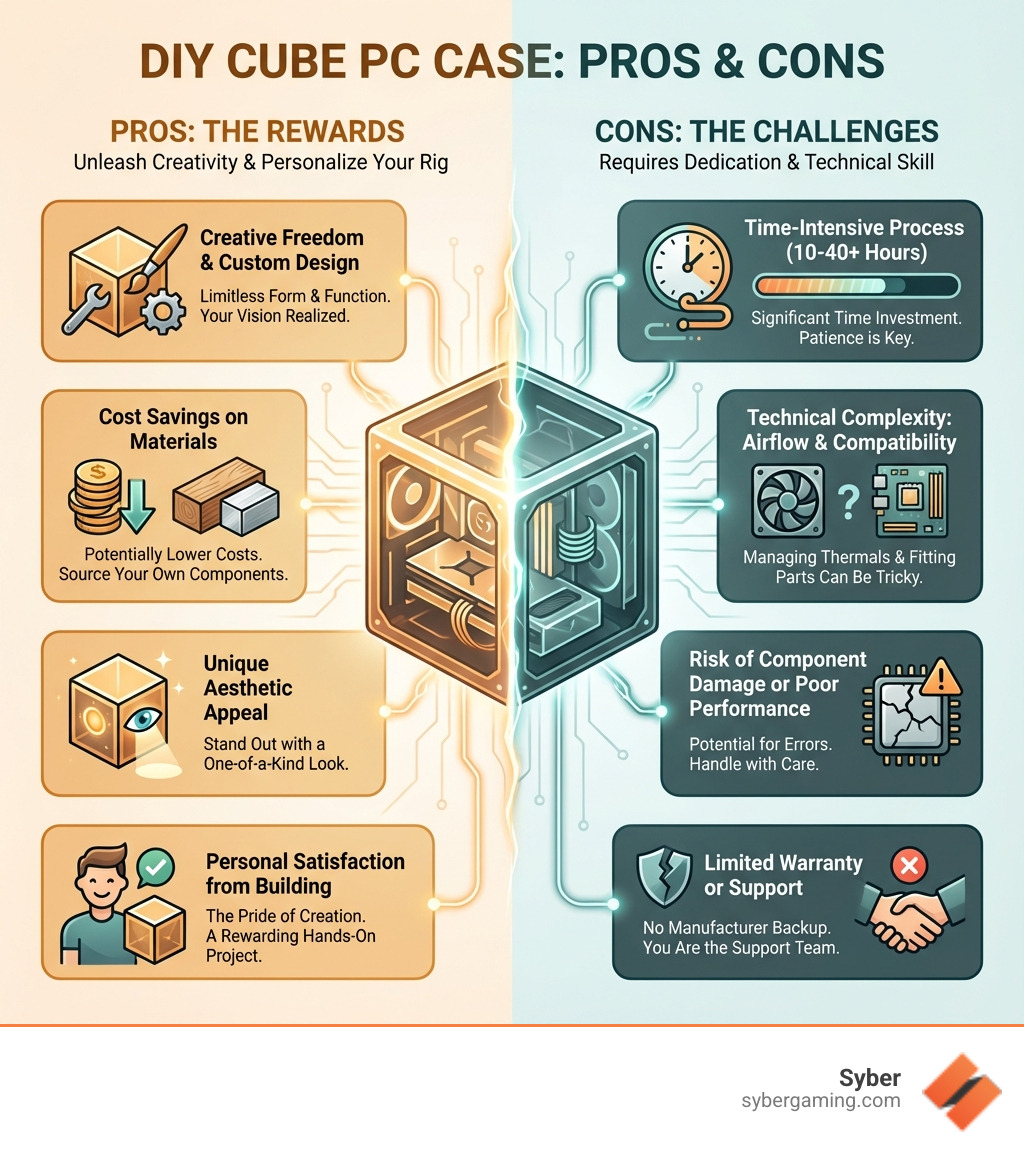
Key terms for diy cube pc case:
Planning Your DIY Cube PC Case Project
Before you dive headfirst into cutting and drilling, a solid plan is your best friend. Building a diy cube pc case is a rewarding journey, but it starts with careful consideration of your materials, design goals, and the tools you'll need.
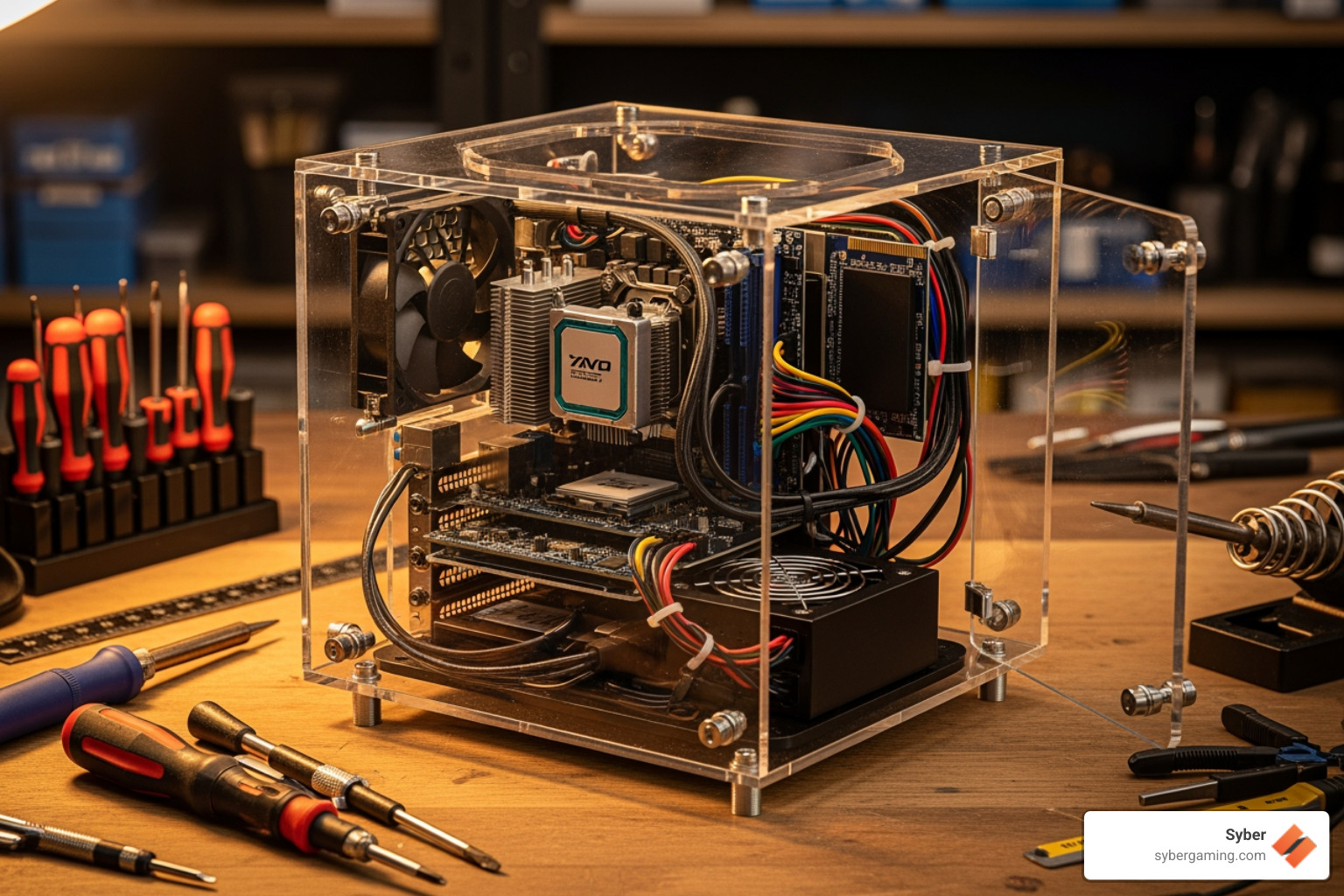
Choosing Your Materials and Approach
The beauty of a diy cube pc case lies in the freedom of material choice. You're not limited to the standard steel or plastic of commercial cases.
- Wood: A classic choice for its workability and natural aesthetic. Plywood or MDF are common, offering good structural integrity and ease of cutting.
- Aluminum: For a sleek, modern look, aluminum sheets or extrusions are fantastic. They offer excellent heat dissipation but require more specialized tools. For durable builds, you can even learn How To Make a Flight Case for Your Build.
- Acrylic: Transparent or colored acrylic panels can create stunning visual effects, especially with RGB lighting, but can be prone to scratches.
- 3D Printing: This offers ultimate customization. You can design and print intricate parts, brackets, or even an entire case, like the Modular, 3D Printed ITX Enclosure & Frame System.
- Unconventional Builds: Some builders get creative with materials like cardboard, as seen in PC Gamer's project where they "built a PC using a cardboard box." While not a long-term solution, it shows the potential for ingenuity.
You can design everything from scratch or use a guide like this DIY PC Case to get started.
Key Design Considerations for a High-Performance Build
A diy cube pc case isn't just about looks; it needs to house your powerful components and keep them cool. This is where thoughtful design comes into play, especially for a high performance gaming pc build.
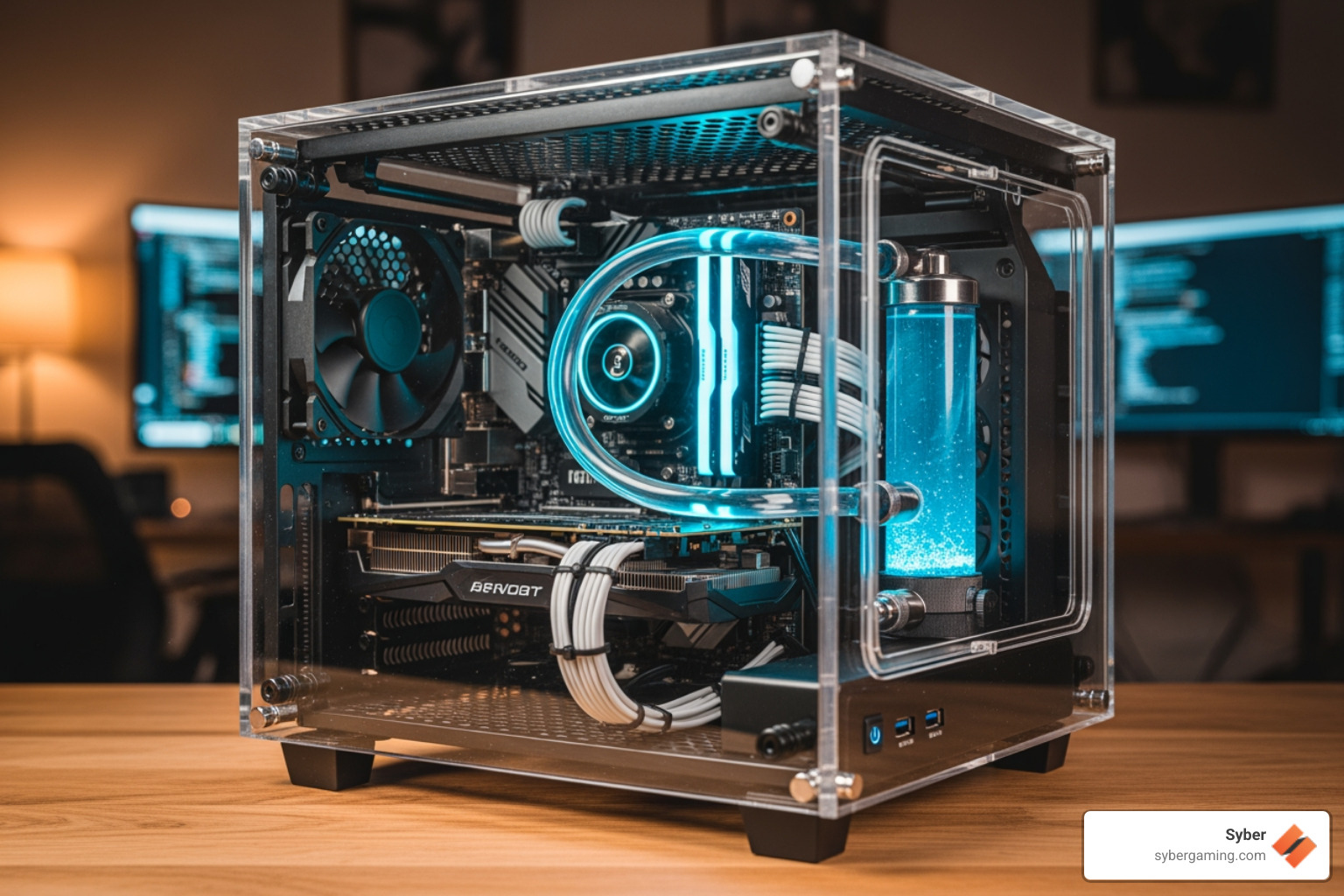
- Component Compatibility: Start by selecting your motherboard, as its form factor (Mini-ITX, Micro-ATX, ATX) dictates the case size. Understanding Case Confusion - What Does ATX Even Mean? is crucial. Measure your GPU, CPU cooler, and PSU to ensure they'll fit.
- Airflow Optimization: Heat is the enemy of performance. Plan for intake and exhaust fans to create a clear path for air. A common setup is drawing cool air from the bottom/front and exhausting hot air from the top/rear. For an AI gaming PC, you can even use AI cooling solutions to automatically adjust fan speeds.
- Cable Management: A clean build improves airflow. Plan routes for your cables to keep them tidy and out of the way.
- Mounting Points: Don't forget to plan for secure mounting points for your motherboard, drives, PSU, and fans.
Gearing Up: Essential Tools for Your Project
The right tools make all the difference. Depending on your chosen materials, your toolkit will vary, but here are the basics:
- Measuring & Marking: Tape measure, ruler, square.
- Cutting: Jigsaw or handsaw for wood/acrylic; hacksaw for metal.
- Drilling: An electric drill with various bits.
- Fastening: Screwdrivers, clamps, and appropriate adhesives (like wood glue or epoxy).
- Safety Gear: Always use safety glasses, gloves, and a dust mask.
Access to a 3D printer can significantly expand your customization options, allowing you to create unique parts for your AI-ready gaming PC.
From Concept to Reality: The Build Process
With your plan in hand and tools at the ready, it's time to bring your diy cube pc case to life. This is where your vision takes shape, piece by painstaking piece. It's a journey that combines careful assembly with the thrill of creation.
A Basic Guide to Assembling Your DIY Cube PC Case
While every project is unique, the core steps are similar. This basic guide will help you steer the assembly process:
- Frame Assembly: Construct the main frame of your cube using your chosen material (wood, aluminum, etc.). Ensure all corners are square for stability.
- Panel Cutting and Fitting: Cut the side, top, bottom, front, and back panels. Mark and cut openings for the rear I/O shield, expansion slots, and PSU exhaust. Remember to measure twice, cut once!
- Motherboard Mounting: Install motherboard standoffs to prevent short circuits. Carefully align and secure the motherboard.
- PSU and Fan Installation: Mount your power supply unit (PSU), ensuring its vents are clear. Install your intake and exhaust fans, paying attention to airflow direction for proper cooling.
- Internal Component Installation: Carefully install your CPU cooler, RAM, and graphics card. Route cables neatly to avoid obstructing airflow.
- Final Touches and Testing: Secure all panels and connect your peripherals. Power on the system to test that everything is working correctly before closing it up.
Potential Challenges and How to Overcome Them:
Building a diy cube pc case isn't without its problems. Builders often face issues like misaligned cuts, component clearance problems, or unexpected thermal issues. As some have noted, there are "DIY Dangers" to consider, from electrical shorts to structural instability.
- Misalignment: Use clamps during assembly to keep pieces aligned.
- Component Clearance: Use cardboard mock-ups or 3D models to test component fit before final assembly.
- Thermal Issues: If temperatures are high, re-evaluate your fan placement and airflow.
- Structural Stability: Add internal bracing or reinforce corners if the case feels wobbly.
The average time for a DIY case project can range from 10 to 40 hours. Patience and problem-solving are key!
Personalizing Your AI Gaming PC Setup
This is where your diy cube pc case truly becomes yours. Personalization lets you create an AI-ready gaming PC that performs exceptionally and looks the part.
- Custom Paint and Finishes: A fresh coat of paint or a vinyl wrap can completely transform your case's look.
- RGB Lighting: LED strips and addressable RGB fans can create a mesmerizing light show. For an AI gaming PC, you can even sync lighting with in-game events.
- Custom 3D Printed Parts: Print custom fan grills, cable combs, or decorative elements for unique flair and functionality.
- Etching and Engraving: For wood or acrylic cases, etching designs onto the panels adds a sophisticated touch.
The goal is to create an aesthetic that complements the cutting-edge technology inside, like components that enable AI-powered graphics and AI-enhanced visuals.
The Verdict: DIY Cube PC Case vs. a Pre-Built Gaming PC
So, how does a diy cube pc case stack up against buying a high performance custom prebuilt gaming pc? Let's break it down.
| Feature | DIY Cube PC Case | Syber Pre-Built Gaming PC |
|---|---|---|
| Customization | Limitless. Your design, your materials. | High. Choose from professionally designed cases and components. |
| Time Investment | High (10-40+ hours for the case alone). | Minimal. Unbox and play. |
| Cost | Variable. Can be cheaper, but mistakes can be costly. | Fixed price with professional assembly and testing included. |
| Performance | Dependent on your design and skill. | Optimized for thermal performance and component synergy. |
| Support & Warranty | None. You are your own tech support. | Comprehensive warranty and expert customer support. |
The choice is yours. If you crave a unique, hands-on project and have the time and skills, a DIY build can be incredibly rewarding. However, if you want guaranteed performance, reliability, and convenience, a professionally built PC from a trusted company like Syber is the superior choice. Systems like the Cube Series 3 are built with AI-improved performance in mind, ensuring you get the most out of modern gaming technology without the hassle.


.svg)

